
Key takeaways
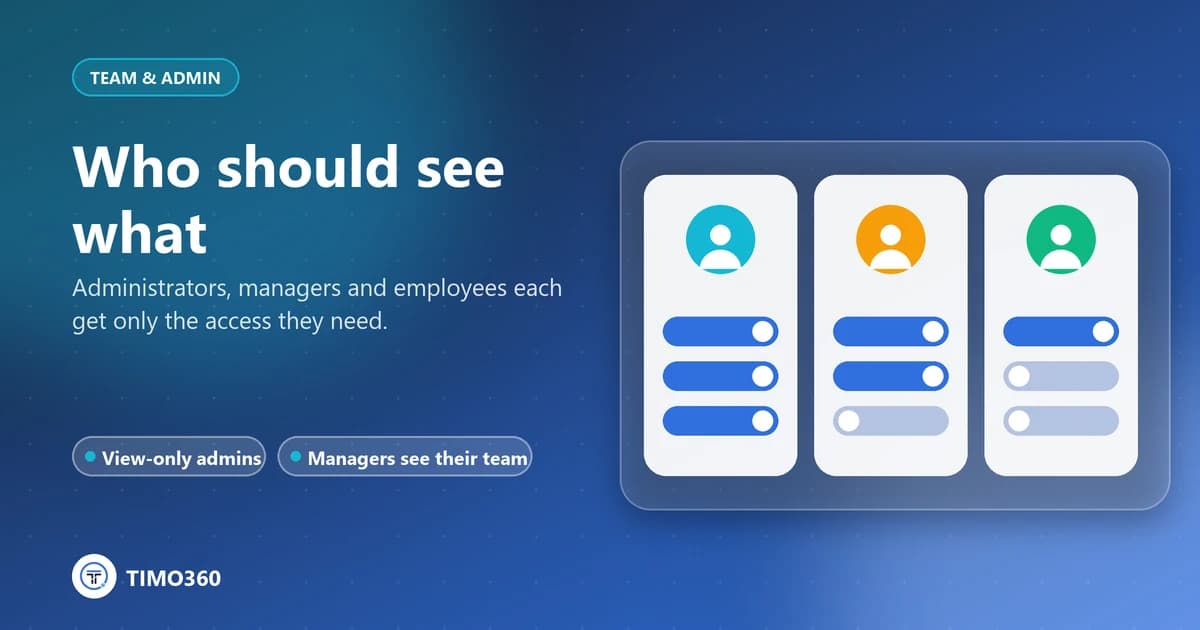
- Administrators manage the organization, managers see their own team and employees see only their own data.
- View-only administrators can see everything and change nothing, which suits auditors and executives.
- Every request is scoped to your organization, so no one can see another organization's data.
Not everyone needs to see everything. Limiting who can view and change monitoring data reduces risk and makes it easier to tell employees honestly who can see their information.
The roles
Administrators manage employees, departments, devices, reports, settings and billing.
Managers see their own team: their direct reports and the departments they head.
Employees see only their own My Report and Profile, never anyone else's data.
View-only administrators
An administrator can be given View only access: they see everything but change nothing. That suits auditors, executives or reviewers. View-only administrators can still manage their own password and two-factor sign-in.
What managers cannot do
Managers can review the dashboard, employee details, devices and reports for their own team, and see notifications. They cannot add or edit employees, issue enrollment codes, revoke devices or change settings.
Managing administrators
Invite an administrator with their name, email and access level. The Administrators page shows each person's status, access, two-factor status and last login, and lets you deactivate, reactivate or delete them.
Isolation between organizations
Every request is scoped to your organization. Nobody, in any role, can see another organization's data.
See roles and access control for more.