
Key takeaways
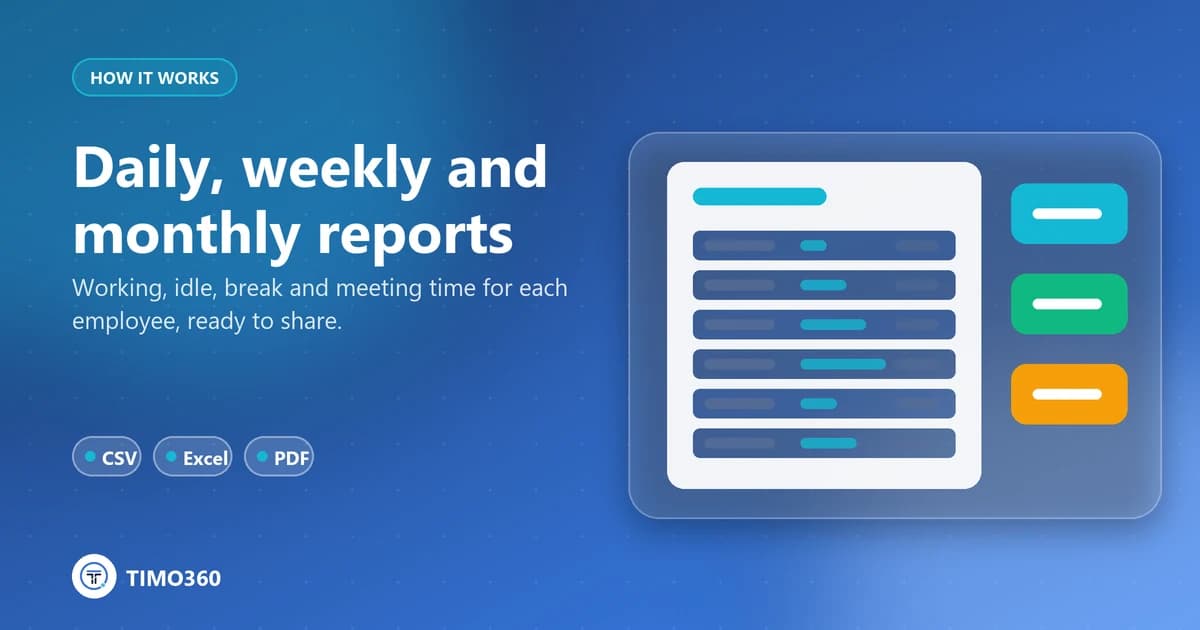
- Reports cover Break, Working, Idle and Meeting time for each employee and date.
- Generate Daily, Weekly (last 7 days) or Monthly (last 30 days) reports, filtered by department.
- Every report exports to CSV, Excel or PDF.
Tracking is only useful if the result is easy to read and easy to share. TIMO360 reports are built from presence and time data only, never from what people typed, and they are designed to hand to finance, clients or leadership as they are.
What each report contains
For each employee and date, reports show Break, Working, Idle and Meeting time. The employee report adds tracked time, active time, idle time, idle sessions and an activity timeline. An employee's Daily report lists punch in, punch out, active, idle and break for each day.
Choosing a report
Daily for today, Weekly for the last 7 days or Monthly for the last 30 days
An Employee report for one person or an Organisation report for everyone
An optional department filter
Exporting
Every generated report has CSV, Excel and PDF buttons. Use CSV or Excel when you want to work with the numbers in your own tools, and PDF when you need a document to share.
Who can see reports
Organization administrators see everything, and managers see their own team. Employees see only their own data in My Report.
Export before data expires
Reports are kept for 730 days by default, and the window can be set from 1 to 3,650 days. Deleted data cannot be recovered, so export anything you need to keep.
See the reports and exports page for more.