
Key takeaways
- Adding an employee sends an invite with a single-use enrollment code and a download link.
- Each employee shows an onboarding status from Invite pending to Agent reporting.
- Deactivating an employee releases their license, while deleting is blocked if it would orphan records.
The software is quick to set up. The slow part of rolling out remote employee monitoring software company-wide is people: who has been invited, who has installed the agent and who needs a nudge.
Inviting employees
Use Add employee on the Employees page. The platform emails an invite with a single-use enrollment code and a link to download the desktop agent. The employee installs the agent, enters the code and is tracked from their first punch in. If the email is lost, Resend invite on the employee's page issues a fresh code.
Tracking onboarding status
Each employee shows an onboarding status: Invite pending, Invite sent, Device linked or Agent reporting. That tells you exactly who still needs help, without a spreadsheet.
Departments and managers
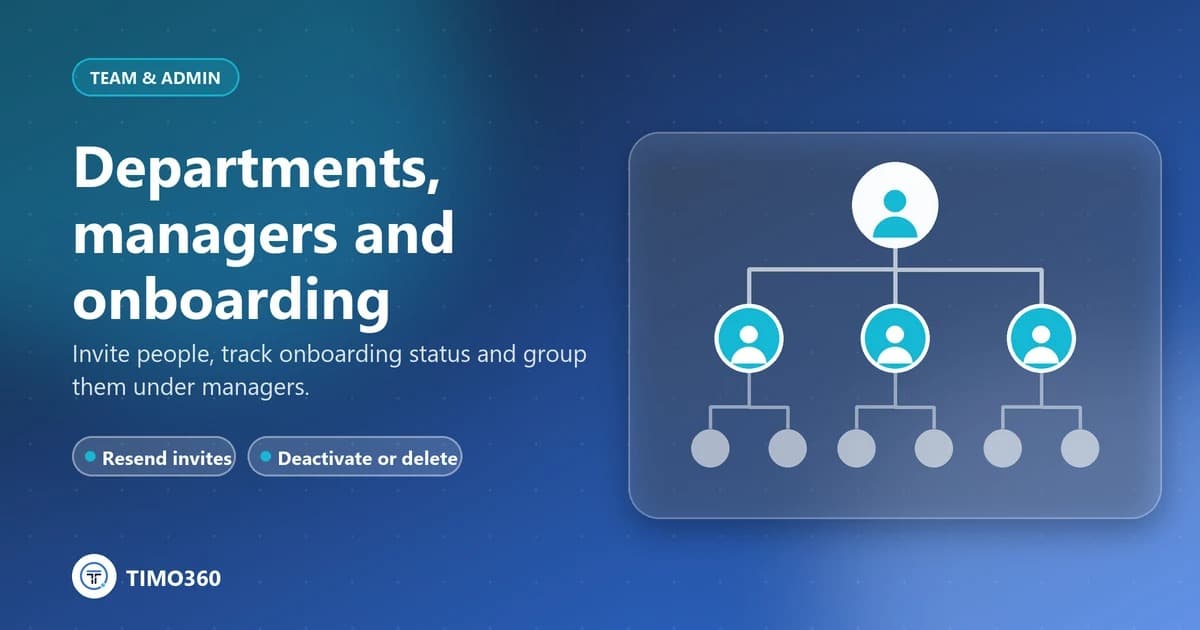
Create departments and assign a manager to each. Managers see their own team: their direct reports and the departments they head. Administrators see everyone. You can search employees by name, email, code or designation.
When someone leaves
Deactivate them: tracking and sign-in stop and their license is released. To remove a record entirely, delete the employee permanently. That is blocked while they head a department, have direct reports or have devices assigned, so nothing is left orphaned.
See team management and the transparent rollout checklist.